Do UI animations — you're a frontend developer!
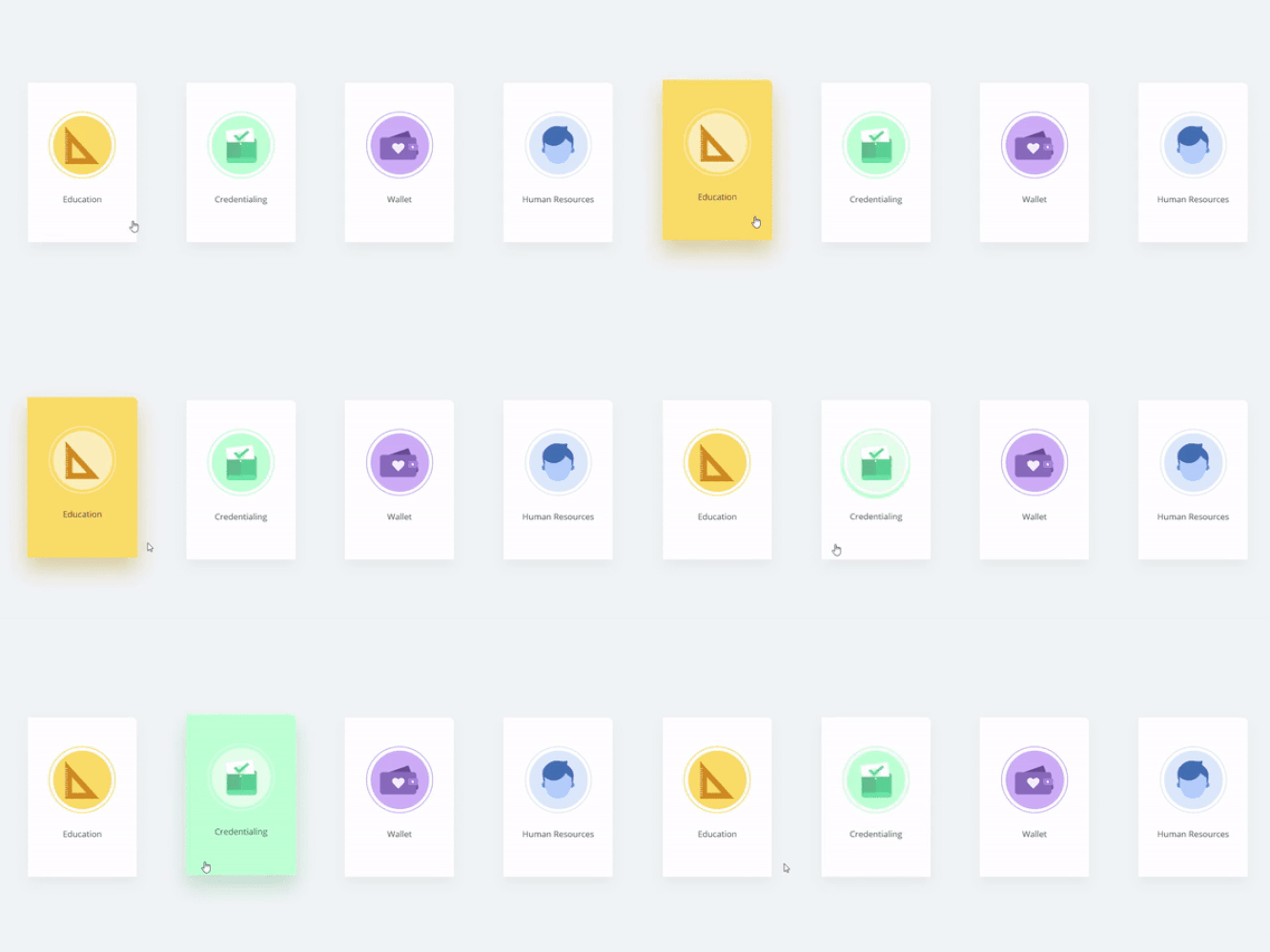
✨ Do UI animations — you’re a frontend developer!
I’ve seen too many dead interfaces. Buttons without hover. Cards that don’t respond to actions. Dropdowns that just pop in and out.
❌ It technically works. But it feels like using Windows XP without a graphics driver.
You’re a frontend developer. Make it beautiful! It’s your code the user interacts with.
🔄 Why even bother with animation?
- 🧭 Helps users understand what’s happening: click → loading → result.
- 🧠 Guides attention to important elements.
- 💡 Makes the interface feel “alive” and friendly.
- 🧰 Hides technical delays (like data loading).
- 💅 Shows attention to detail.
Animation is part of the user experience. And it doesn’t have to be complicated.
🔧 Simple animations that improve UI instantly
🎯 Hover scale effect
.card:hover {
  transform: scale(1.03);
  transition: transform 0.3s ease;
}
Cards start to “respond” to user actions.
💡 Button highlight
button:hover {
  background-color: #3b82f6;
  color: white;
  transition: background-color 0.2s ease;
}
A little smoothness makes clicks more satisfying.
🎉 Fade-in on load
.fade-in {
  opacity: 0;
  animation: fadeIn 0.5s forwards;
}

@keyframes fadeIn {
  to {
    opacity: 1;
  }
}
The element appears smoothly — no more flashbangs of content.
🕹 Modal animation
.modal {
  transform: translateY(-20px);
  opacity: 0;
  animation: modalEnter 0.3s forwards;
}

@keyframes modalEnter {
  to {
    transform: translateY(0);
    opacity: 1;
  }
}
The modal enters like a human, not like an explosion.
⚠️ Where to avoid overdoing it
- Admin dashboards where speed is critical.
- Complex tables (unless optimized).
- When it hurts performance on mobile.
Animations should help — not hurt.
🧠 Key takeaways
- Animation is about UX, not just “wow” effects.
- Start with
hoverandtransition. - Use
transform,opacity,scale,translate— notwidthorheight. - Keep it subtle and meaningful.
✅ Final thoughts
The interface is the face of your product.
You’re a frontend developer. Make the user feel welcome.
🎨 Even basic animations create magic.